The admin dashboard is where club officials start. It brings together what is happening across every team and flags what still needs doing, so the president, secretary or treasurer can see the state of the club at a glance and deal with problems before game day.
Club alerts
Join requests waiting, fixtures without a team picked, matches without scores, and players not yet linked to a member account.
Fixtures across teams
Every team’s next game, and whether the team has been selected.
Weekly operations, membership and voting
Counts of selections and scores still needed, pending joins, coach votes due and player vote follow-ups.
Results and Player of the Week
Recent results, and the junior and senior players of the week from post-game votes.
Events and this week’s games
Upcoming club events, and every game this week with its time and ground.
Admin, manager and player views
Switch between the admin, manager and player views, or to another team, without leaving the dashboard.
New clubs also get a setup checklist on the dashboard until the basics are in place.
Member details in one spreadsheet, registrations in another, payments in a third.
Not knowing who has registered, who has paid and who still needs a reminder.
The same few volunteers holding it all together, every season.
What changes for the committee
See the whole club in one place.
Members, players and teams sit in one club space, with roles that decide who sees what. Approve join requests, share invite links and link players to member accounts, so the right people get in and see the right things.
Members, players and teams
Roles and access
Join requests and invite links
Player links to member accounts
Members, players and teams
Roles and access
Join requests and invite links
Player links to member accounts
Know who has paid, without the chasing.
For the treasurer, the club fee overview answers the question every committee meeting asks: what has come in, and what is still owed. Outstanding, paid, overdue and needs-attention totals sit at the top, with a Remind unpaid button and shortcuts to payments, payment plans and seasonal assignments. Members pay online in the app or by bank transfer, and you confirm the transfers.
Paid, outstanding and overdue totals
Fee structures and seasonal assignments
Payment plans and reminders
Online payment (Stripe or Square, where configured) or bank transfer
Clubsby is free for your club. A small service fee applies to payments collected through Clubsby. See payment fees
app.clubsby.com
Example club shown · demo data
Run registrations without the paper chase.
For the secretary or registrar: build the season’s registration form, open it to members, then search, filter and export the records by season. Keep club documents in one library with access levels.
Registration form builder
Records by season
Search, filter and export
Club document library
Registration form builder
Records by season
Search, filter and export
Club document library
Keep every member in the loop.
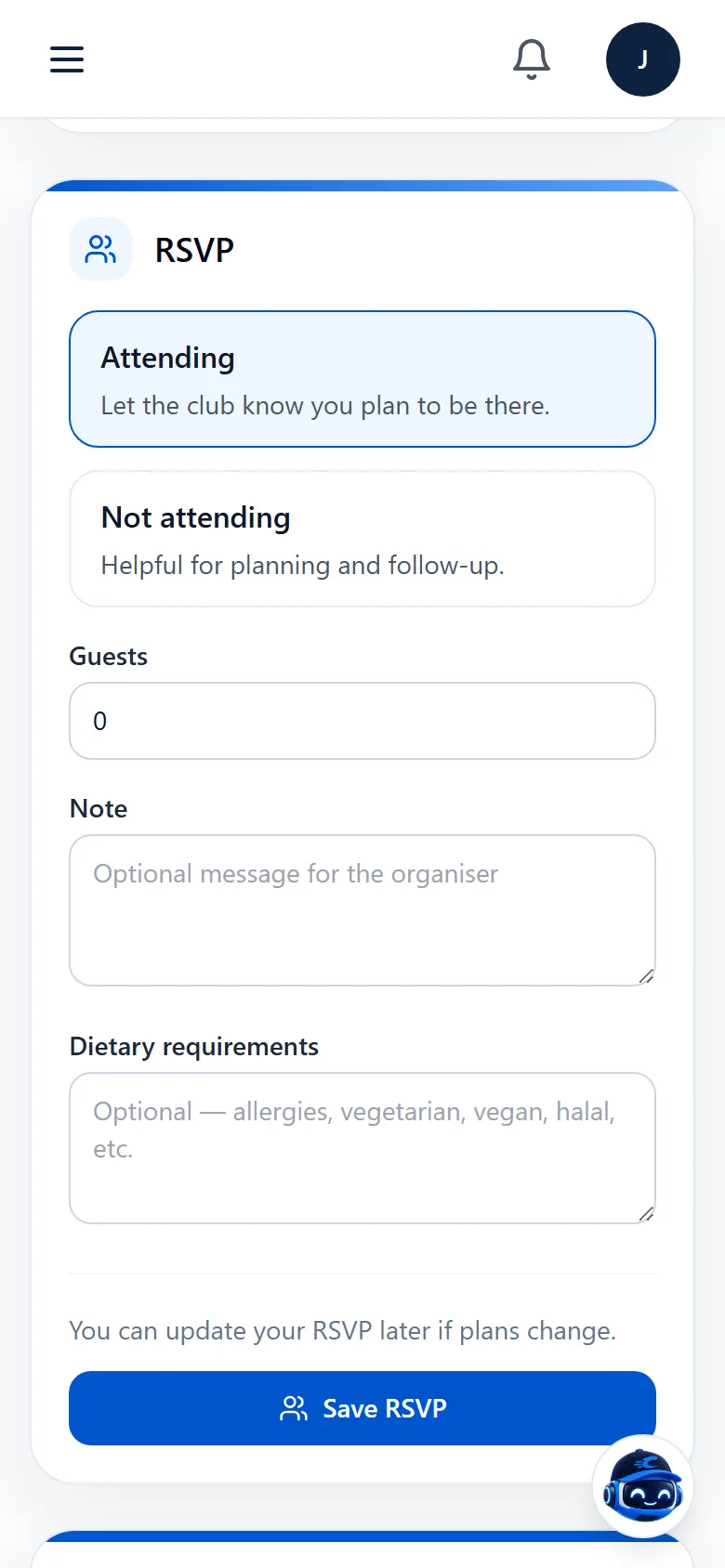
Share news through club, team and group chat and in-app notifications. Run club events with RSVPs or tickets, and give sponsors a place in the club’s business directory.
Club and team chat
Notifications
Events, RSVPs and ticketing
Business directory and sponsors
Everyone in the same club.
Each role sees its own view of Clubsby, and it all connects. When the coach picks the team, players and parents see it straight away.
Access follows each person’s role. Committee members, coaches and managers, players, parents and businesses each see the parts of the club that relate to them, and club admins approve join requests and manage roles.
What does Clubsby cost the club?
Club access is free, with all features and no per-team charges. A small service fee applies to payments collected through Clubsby, such as fees, merchandise and tickets.