Sound familiar?

  • Chasing availability through group chats the night before the game.
  • Rebuilding the team sheet by hand every week.
  • Not knowing who has seen the selection, and who hasn’t replied.

Your week, sorted

See who’s available at a glance.

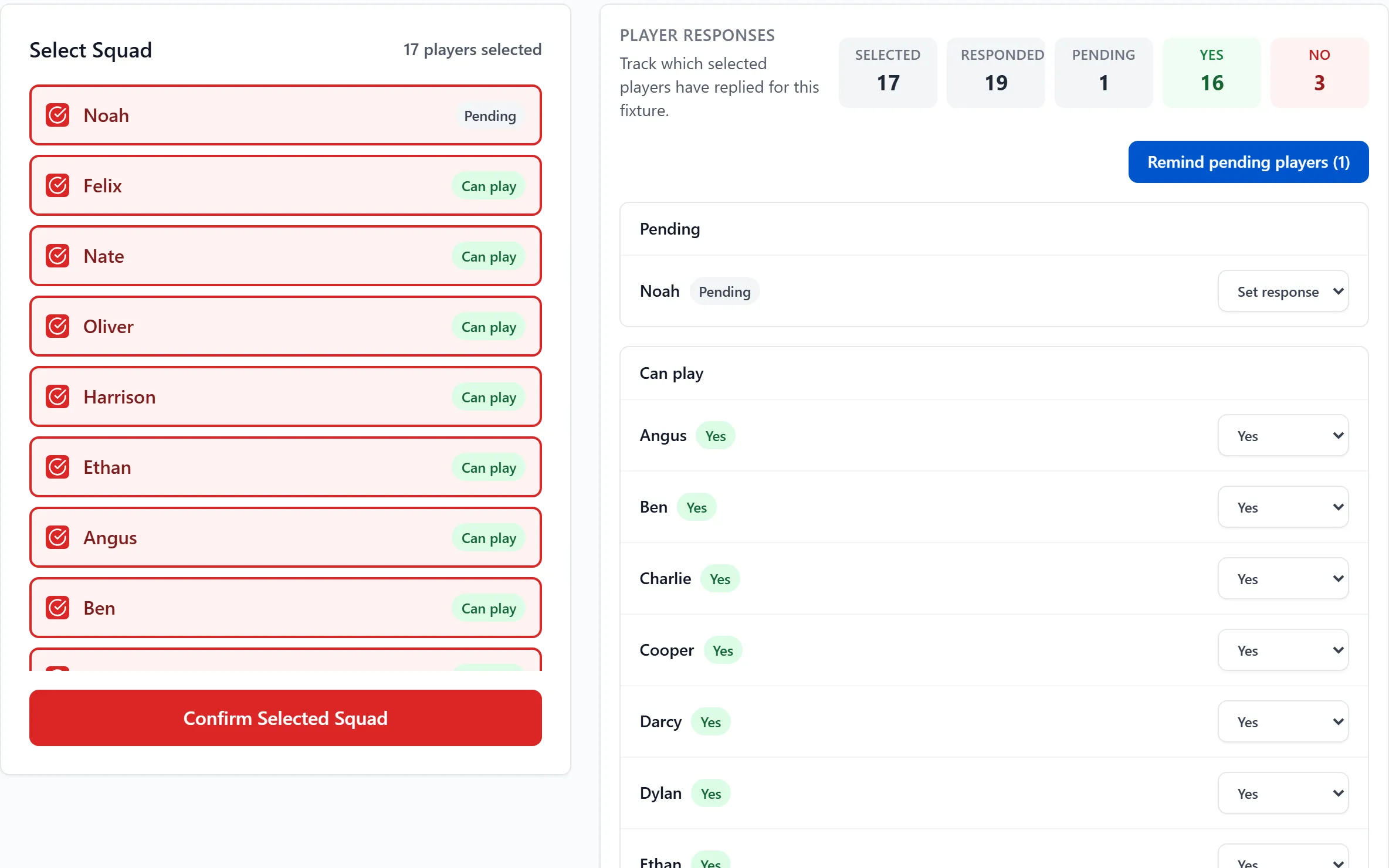
Players respond to each fixture, and you see who can play, who can’t and who is still pending. Remind the players who haven’t answered without writing another message.

  • Availability for each fixture
  • Response summary
  • Remind pending players
  • Fixtures and results
  • Availability for each fixture
  • Response summary
  • Remind pending players
  • Fixtures and results

Pick the team and share it.

Select your squad, publish the selection and players are notified in the app. Generate the team sheet to preview, download and share.

  • Team selection
  • Selection notifications
  • Team sheets to download and share
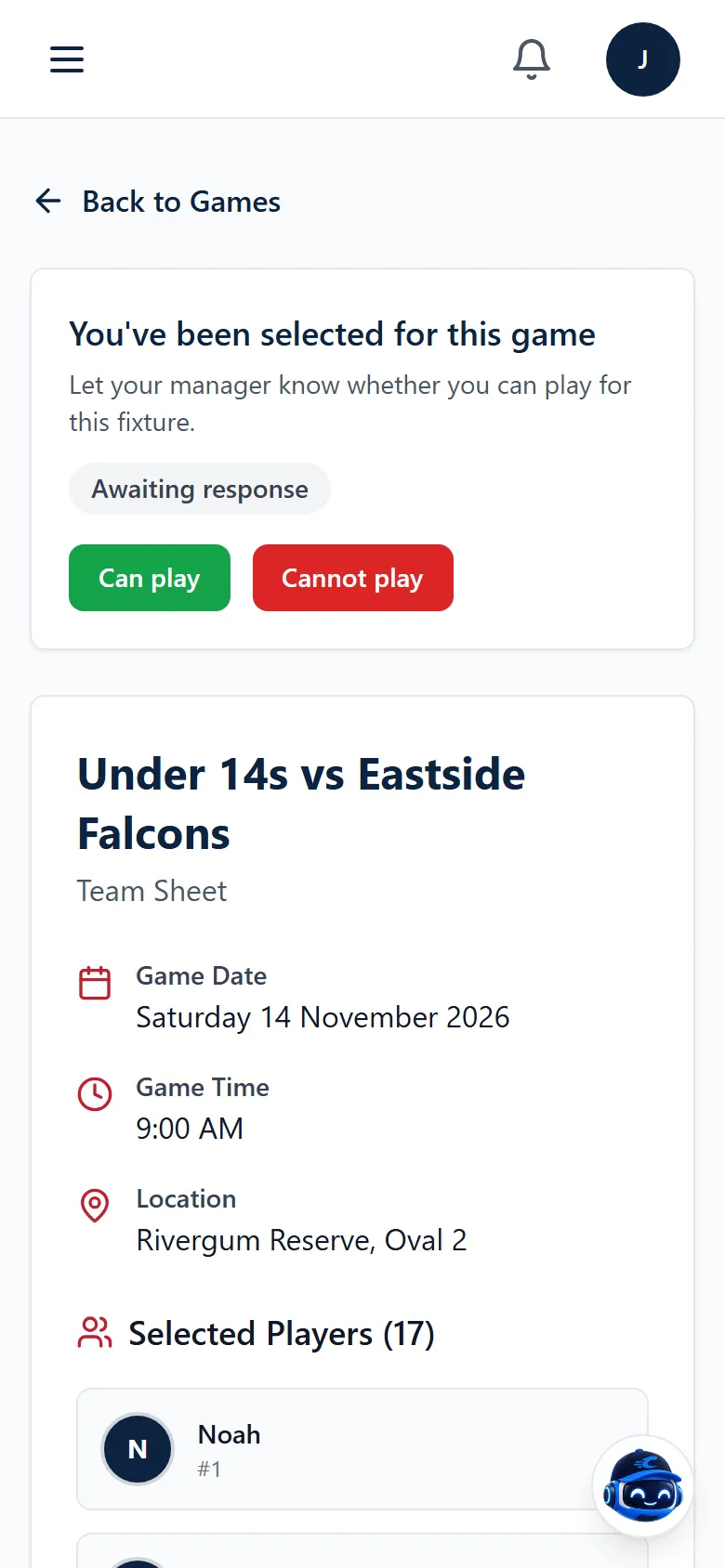
Clubsby team sheet on a phone: "You've been selected for this game" with Can play and Cannot play buttons, above the Under 14s team sheet.

Run match day from the sideline.

Record results for every game. AFL coaches can also score live and run junior rotations with zones and time on ground, and season statistics build up for each player.

  • Results for every game
  • AFL live scoring and junior rotations
  • Season statistics
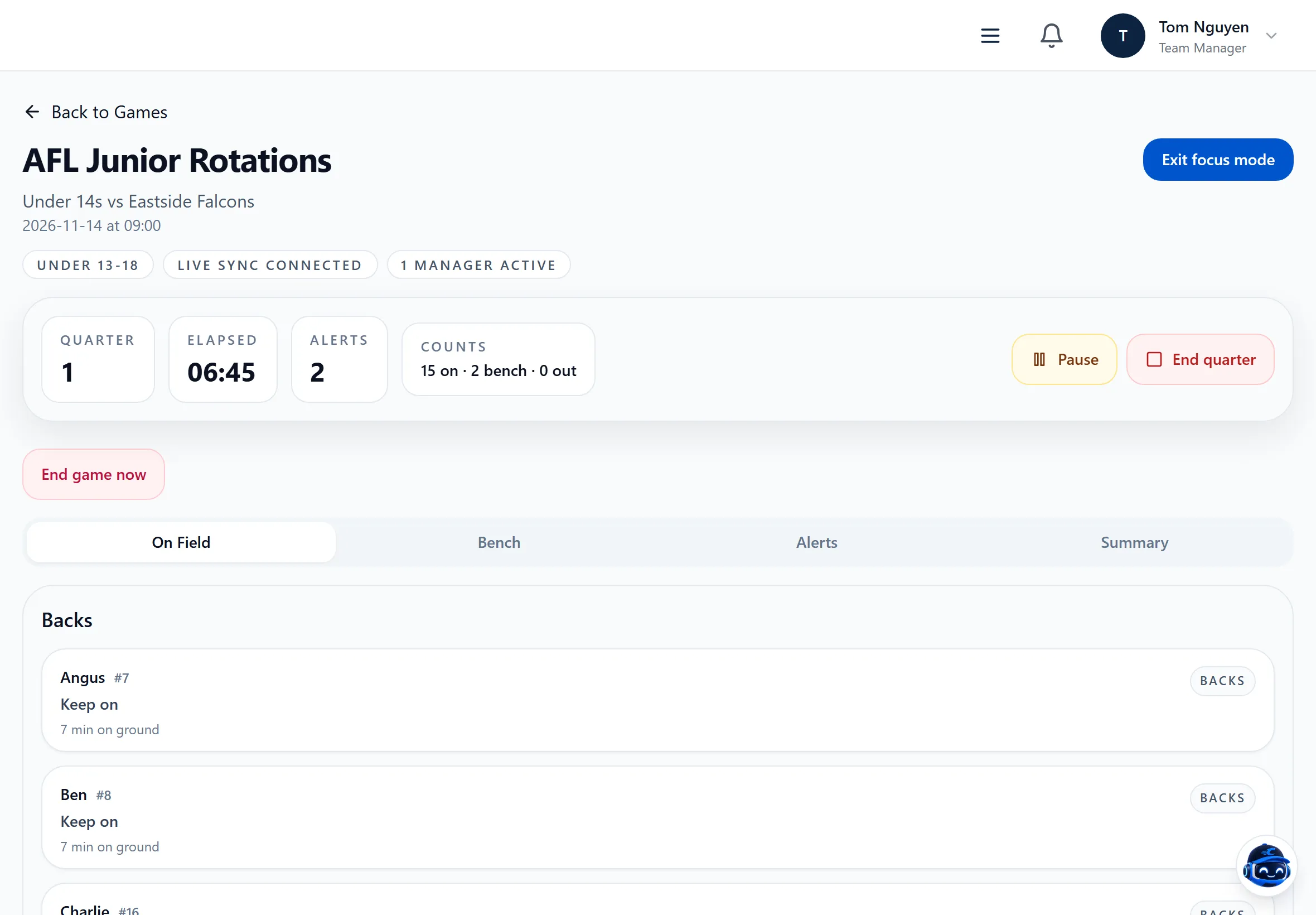
Clubsby AFL junior rotations on a tablet during quarter 1: elapsed time, 15 players on field and 2 on the bench, with each player's zone and time on ground.
Example club shown · demo data

Recognise players after the game.

Cast the coach’s votes straight after the game, such as AFL best-and-fairest votes, then open post-game voting so players can recognise their teammates. Keep the team talking in team chat between games.

  • Coach and manager votes
  • Player voting
  • Awards
  • Team chat
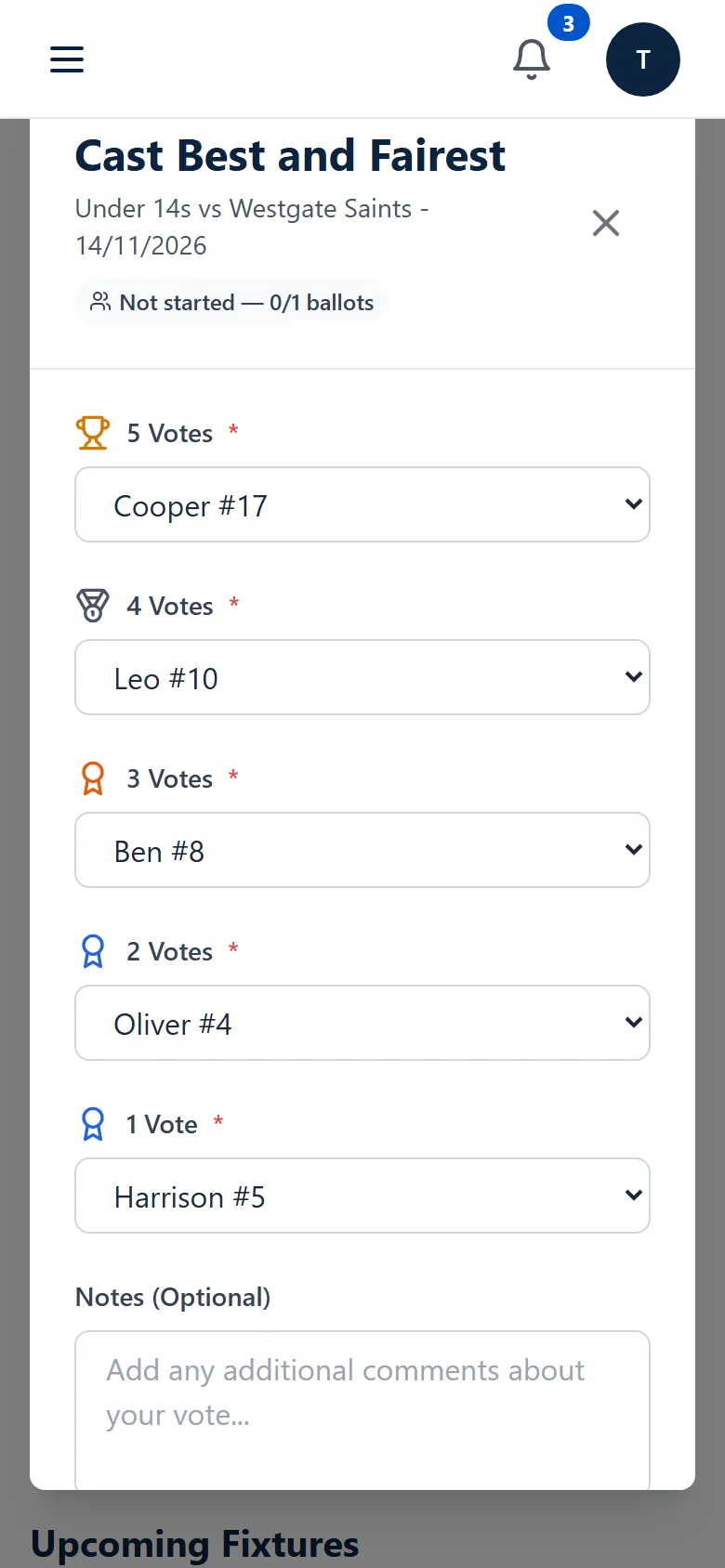
A coach's Best and Fairest ballot in Clubsby after an Under 14s game: five players chosen for 5, 4, 3, 2 and 1 votes.

Everyone in
the same club.

Each role sees its own view of Clubsby, and it all connects. When the coach picks the team, players and parents see it straight away.

Common questions.

How do players use Clubsby?

Clubsby runs in the browser at app.clubsby.com on phones, tablets and computers. Players sign in, join the club and respond to fixtures from there.

What if a player hasn’t responded?

The selection screen shows who is still pending, and you can send those players a reminder.

Is Clubsby only for AFL?

No. Availability, selection, team sheets and results work across team sports. AFL and baseball also have dedicated tools, such as junior rotations and statistics imports.

See sport coverage