Clubsby is set up by a club. If yours isn’t on it yet, share it with your committee. It’s free for clubs.
Example club shown · demo data
Sound familiar?
A different chat, app or email thread for each child’s team.
Filling in the same details on another registration form.
Finding out about a time change after you’ve left home.
What it’s like for families
Every child, one view.
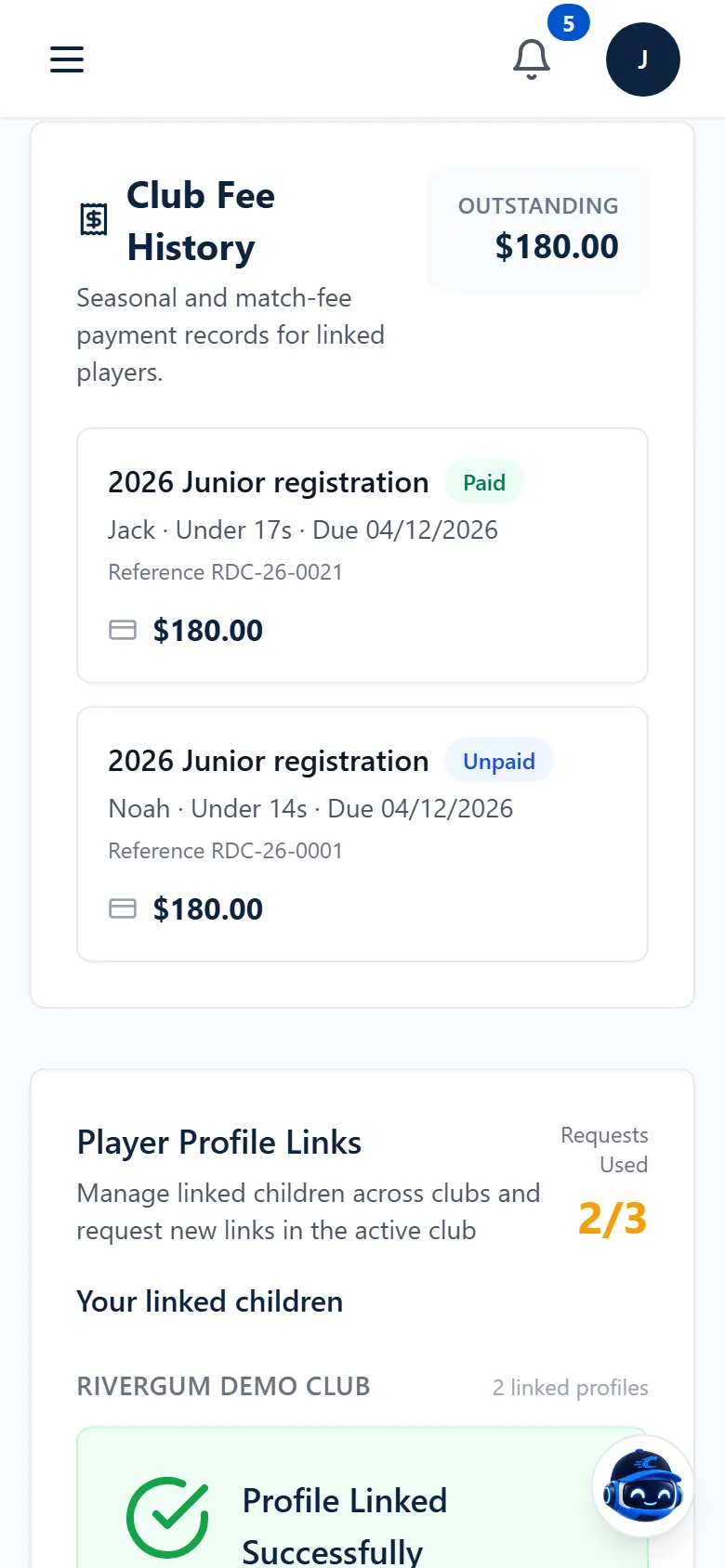
Link your account to each of your children’s player records. Their games, selections, fees and events then sit together, instead of in separate places.
Linked player records
More than one child
Games and team sheets
Linked player records
More than one child
Games and team sheets
Reply for your child.
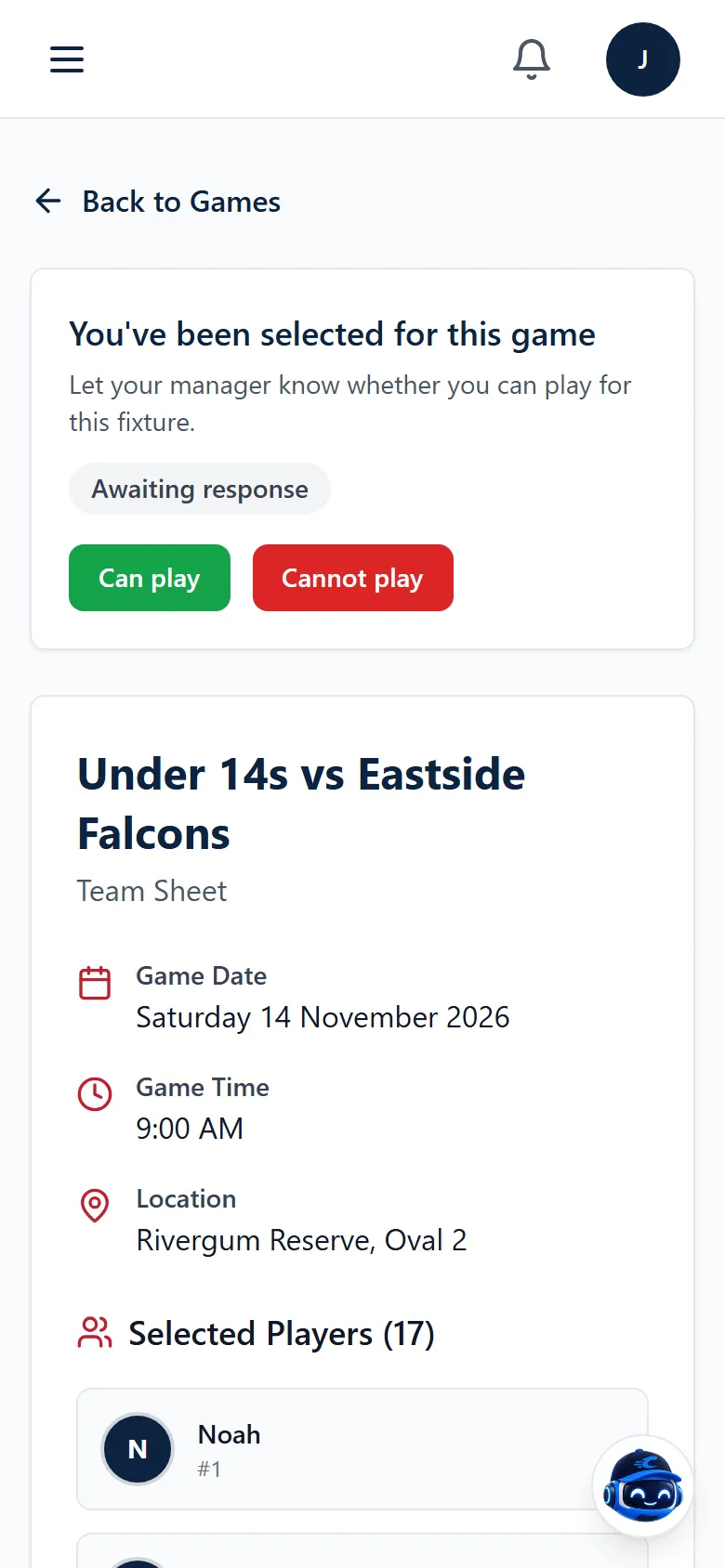
Let the coach know whether your child can play, and see when they’ve been selected and where the game is.
Availability for each fixture
Selection and team sheets
Notifications
Registrations and fees, sorted.
Complete the season’s registration, see the fees due for each child and pay in the app, or confirm a bank transfer if your club uses one.
Registration forms
Fees for each linked player
Payment in the app
A small service fee may apply to payments made through Clubsby. See payment fees
Registration forms
Fees for each linked player
Payment in the app
Team chat and club events, in one place.
Message the coach and other parents in your child’s team chat, instead of a separate group app. RSVP for club events or buy tickets, and get notified about fixtures, fees and events in the same place.
Team chat with coaches and parents
Event RSVPs and tickets
Notifications
Who sees your family’s details
Club admins control who joins the club.
Each person sees what their role allows.
Parents are linked to their own child’s player record.
Yes. Link your account to each child’s player record and see their games, registrations and fees together.
How do we join our club in Clubsby?
Join with your club’s invite, or request to join and a club admin approves you. Clubsby runs in the browser at app.clubsby.com on phones, tablets and computers.
Do we have to pay to use Clubsby?
No. Clubsby is free for your club and its families. When you pay something through Clubsby, such as a club fee or an event ticket, a small service fee may apply.